
What’s new
This is the biggest Mografy update so far. A scene you made as a video can now be presented live, one slide at a time. Scenes can mix real 3D into the 2D frame, and your agent can write a score that hits the exact seconds where something happens on screen.
Under the hood, the player reloads its own code instantly, the shared Skill keeps itself current, and long editing sessions use far less memory.
- Presentations: a Video / Present switch, a presenter view and a single offline HTML file.
- Three.js 3D layers as an optional extra, deterministic in the player and every export.
- Contextual music: the agent writes music.json and score.py synthesises the score.
- Player hot reload, automatic Skill sync and slides for every existing project.
- Security hardening, lighter editing sessions and smoother interface transitions.
Presentations: one switch turns a film into slides
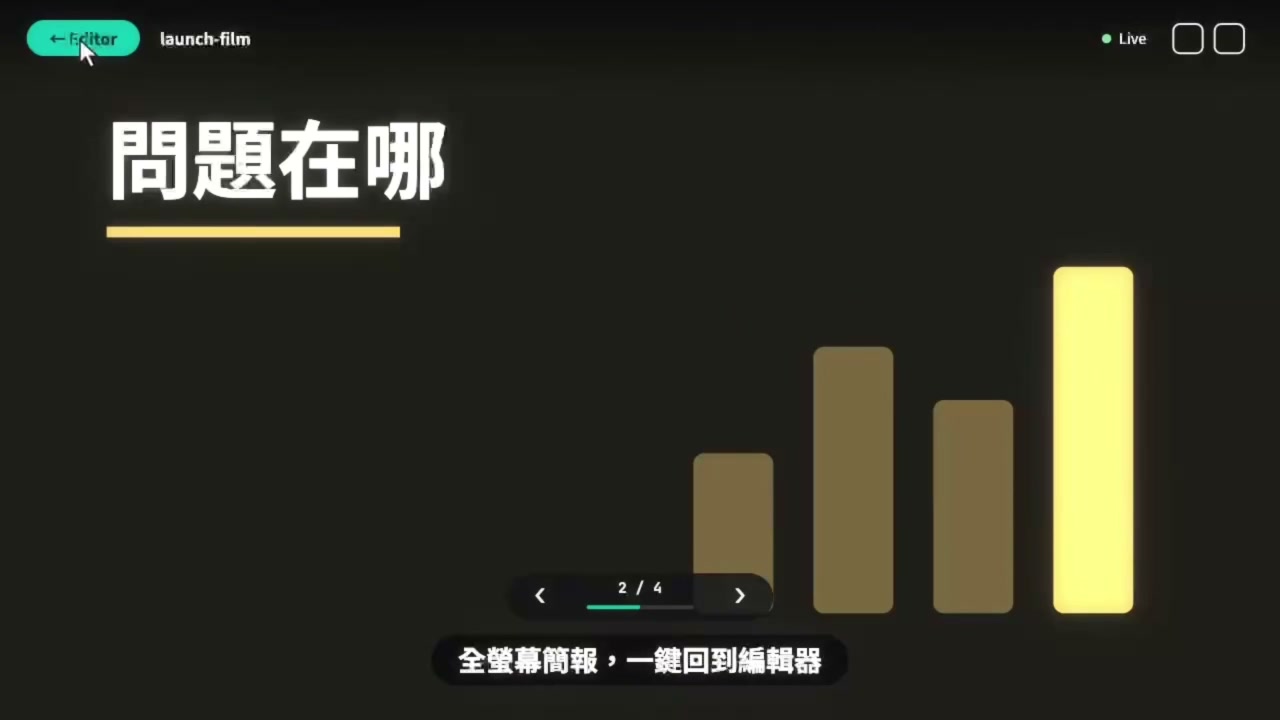
Slides come straight from the scene’s shots. A scene lists them in meta.shots, and each shot becomes a slide that stops on a settled frame. A new Video / Present switch at the top of the editor turns the same scene into a slides view with thumbnails on the left and the stage in the middle.
Press Start to open the presentation page. It plays to the next stop and waits for you, and music fades out at each stop and back in on the next transition. The top and bottom bars fade away while the mouse rests.
- →, Space or a click advance; ← goes back; a number then Enter jumps to a slide.
- P opens a presenter view with notes, the next slide and a timer.
- M mutes, F goes full screen, B blacks out the screen, Esc returns to the editor.
- The window follows live edits while you rehearse; K locks the current version while you present.
Export a presentation as one HTML file
Export HTML writes a single file with the scene, fonts, images and music embedded. Open it in any browser and it presents the same way, even offline. From the terminal, use mografy export --format html.
Video exports ignore shots and slides, so your MP4 and WebM files stay exactly as before.
Every project has slides, even unmarked ones
pnpm install and mografy update now write slides into each of your projects that has no shots yet. Mografy guesses them from the storyboard’s shot table, or from where the picture changes, and stops on the stillest frame shortly before each shot ends.
Guessed slides are labelled as guesses, and shots marked by Claude or Codex always replace them. Existing projects need no hand edits.
Real WebGL 3D with Three.js
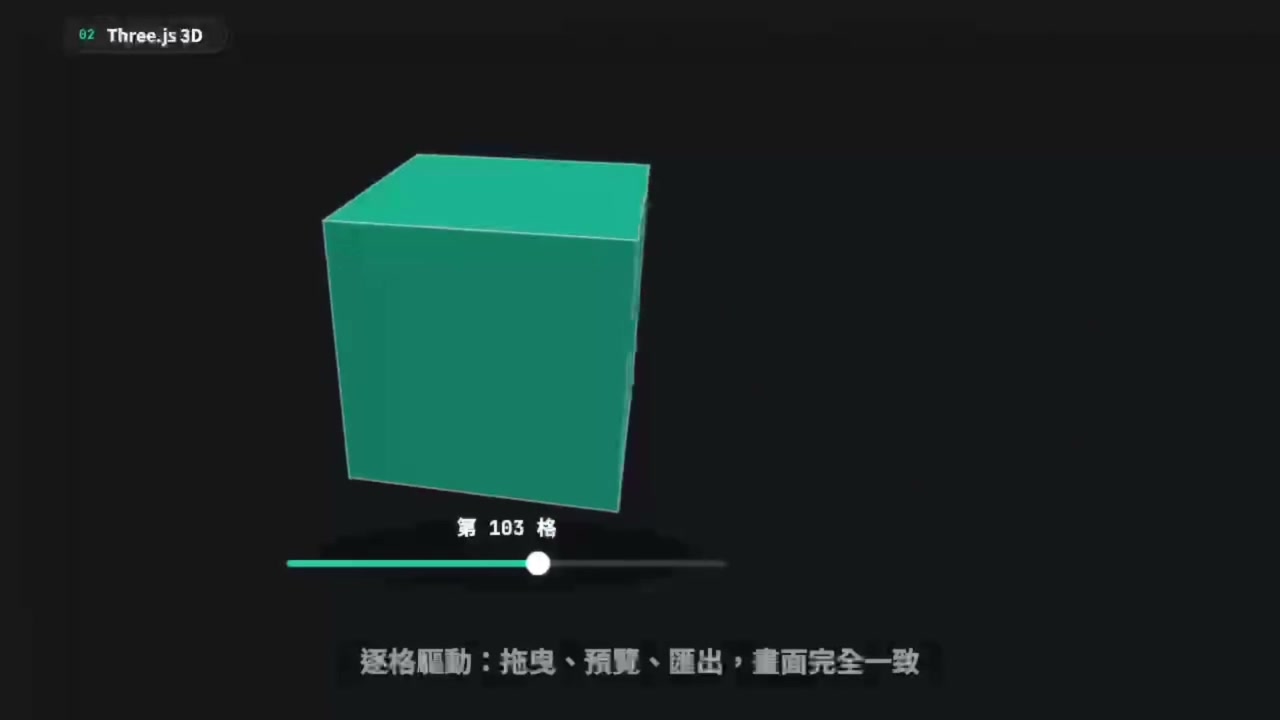
The new three extra renders a Three.js scene as a layer inside a normal frame: 2D backgrounds before it, type after it. Build meshes, lights, materials and glTF models once in setup, then pose them from time in renderFrame.
Because every frame is driven by time, scrubbing, previewing and exporting all show exactly the same picture. The Three.js bundle is copied into a project only when it needs 3D, so installation and existing projects are unchanged.
AI music scored to your film
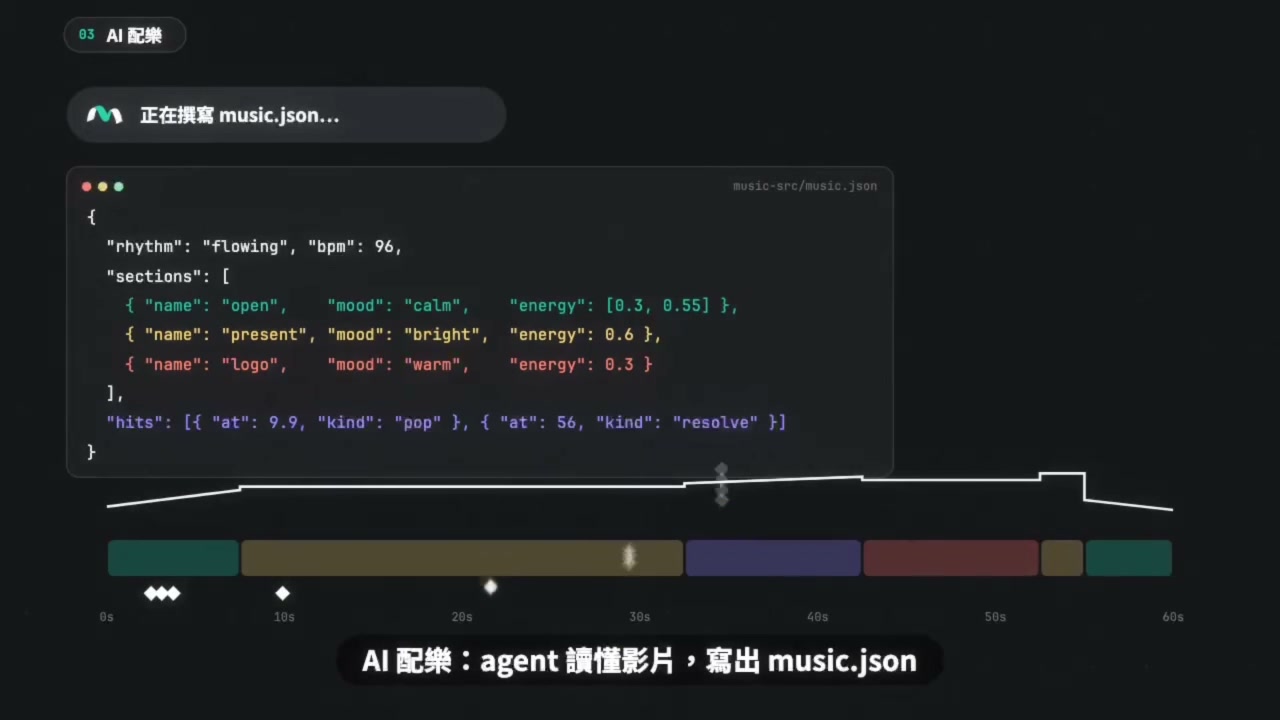
Instead of cutting the animation to a found track, the agent now writes music.json after the storyboard: sections with a mood and energy, and hits on the exact seconds where something happens on screen, such as bursts, impacts, light sweeps or the final chord.
score.py then synthesises matching music with Python, deterministically, plus a timeline image for checking that swells and impacts land on the picture. When the timing changes, edit the cues and generate again.
A faster loop: hot reload and a self-updating Skill
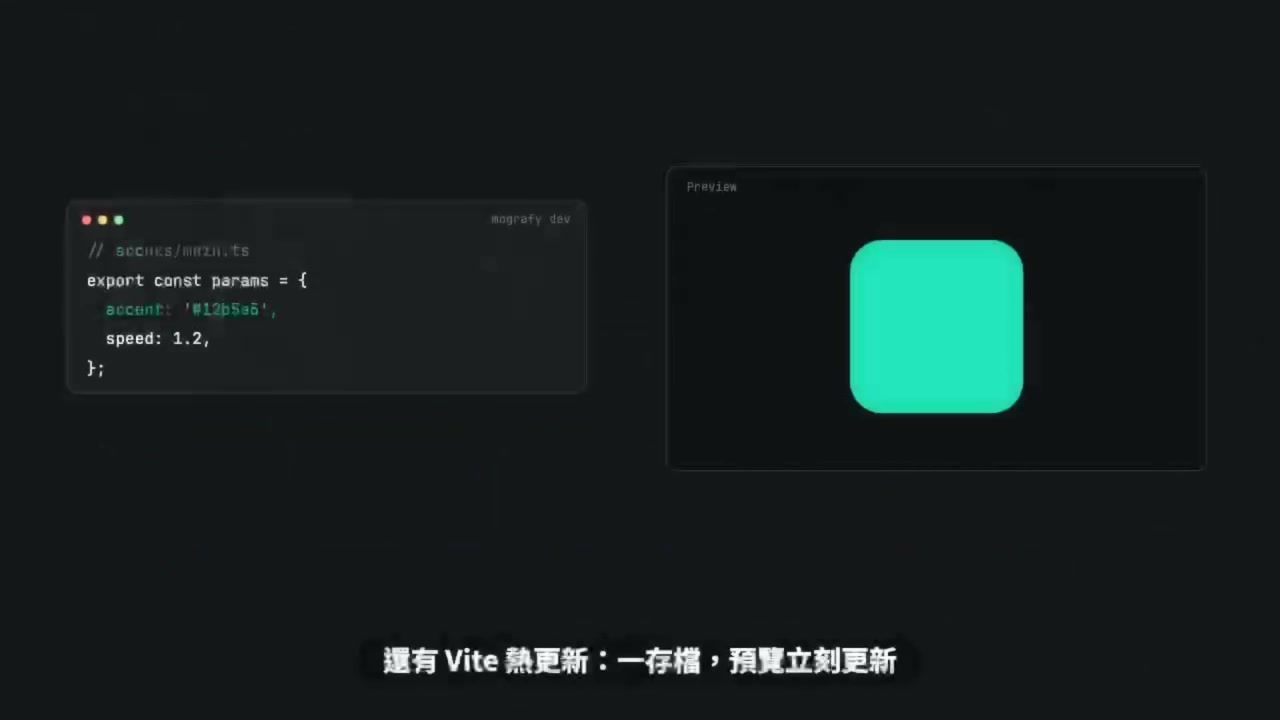
In a source checkout, mografy dev serves the player through Vite, so changes to the player appear in the open browser at once and keep their state.
The shared Skill now keeps itself current. Every install, update and build regenerates it, and mografy dev checks on start whether its sources changed, for example after a git pull. There is nothing to run by hand.
Projects can also keep their design and motion decisions in style.md, which Claude and Codex read before planning or editing.
Safer and lighter
The player now runs each scene version in its own iframe and removes the old one once the next is ready, so long editing sessions no longer keep every version’s code, images and fonts in memory. Presentation files embed only the assets the scene actually loads.
The mografy command only uses checkouts installed on this computer, the export host refuses requests from other sites, and hot reload accepts only the same-origin player. Projects now open paused at 0s, and panels and the Video / Present switch animate smoothly.
How to update
Run these two commands from your Mografy installation. The updater installs, builds, syncs the Skill and restarts the player on the project it had open.
mografy update --check
mografy update
New to Mografy? Set it up locally and try presentations with your own scene.
Set up Mografy