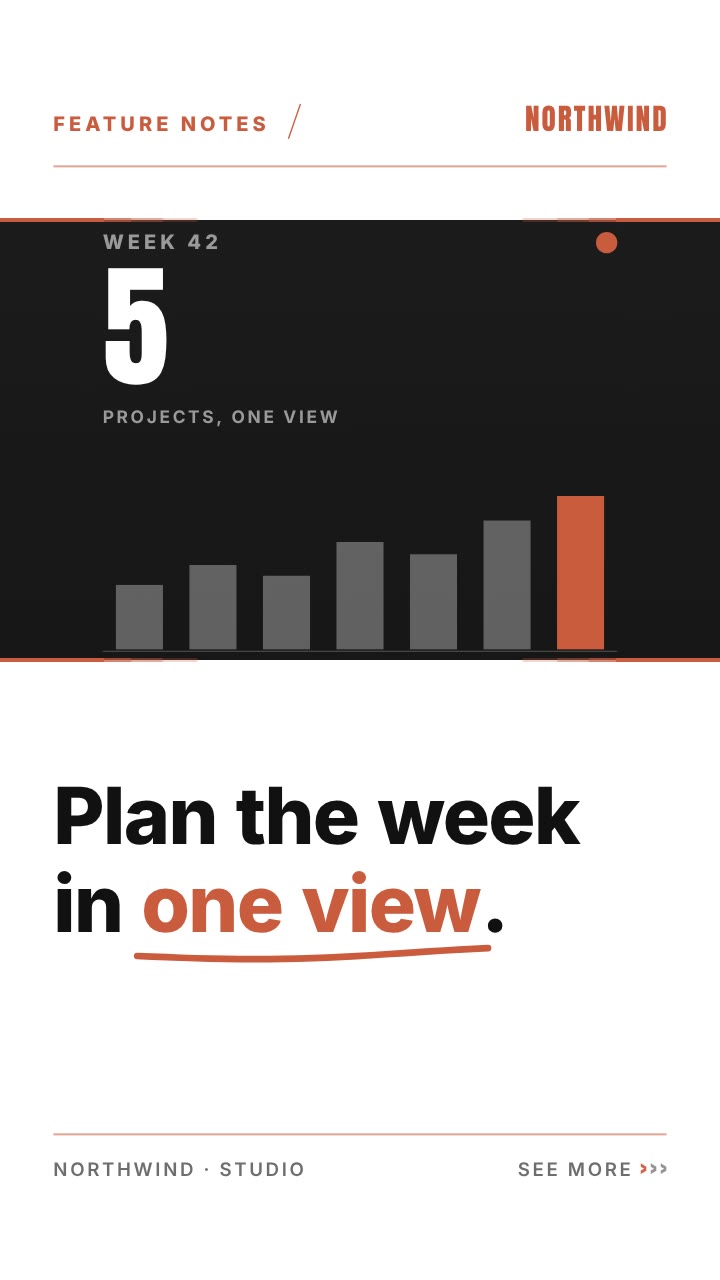
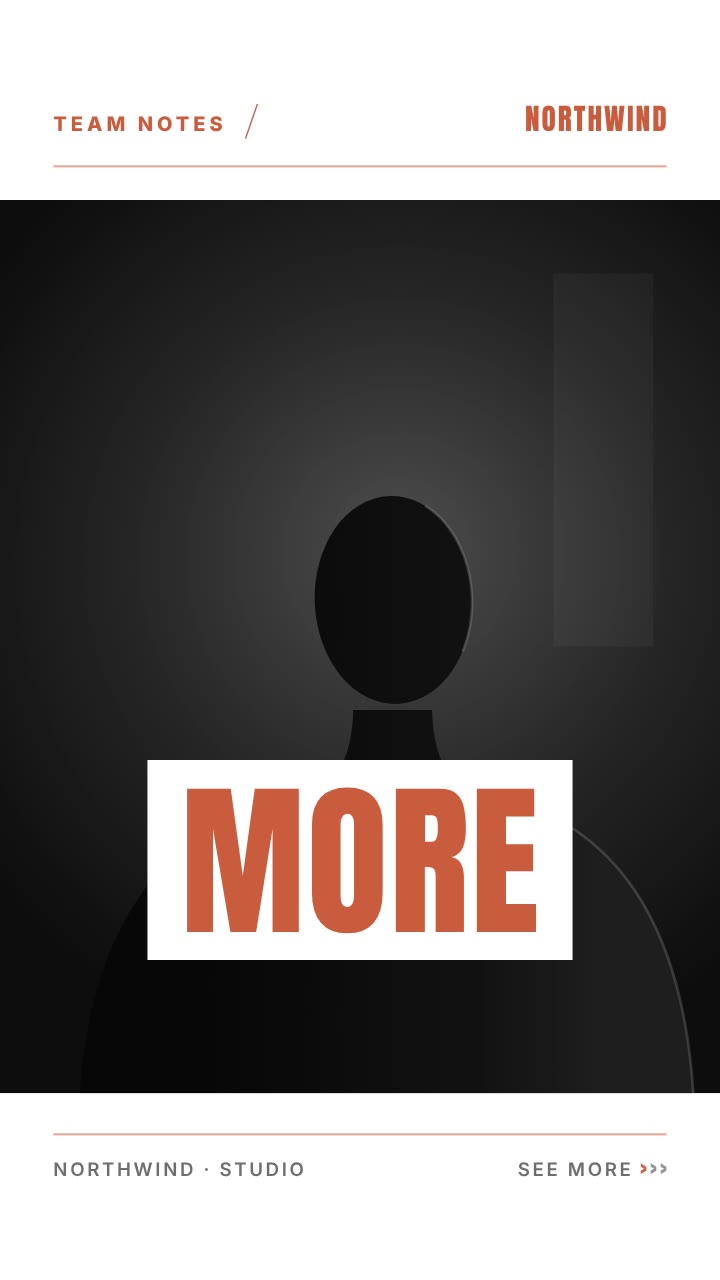
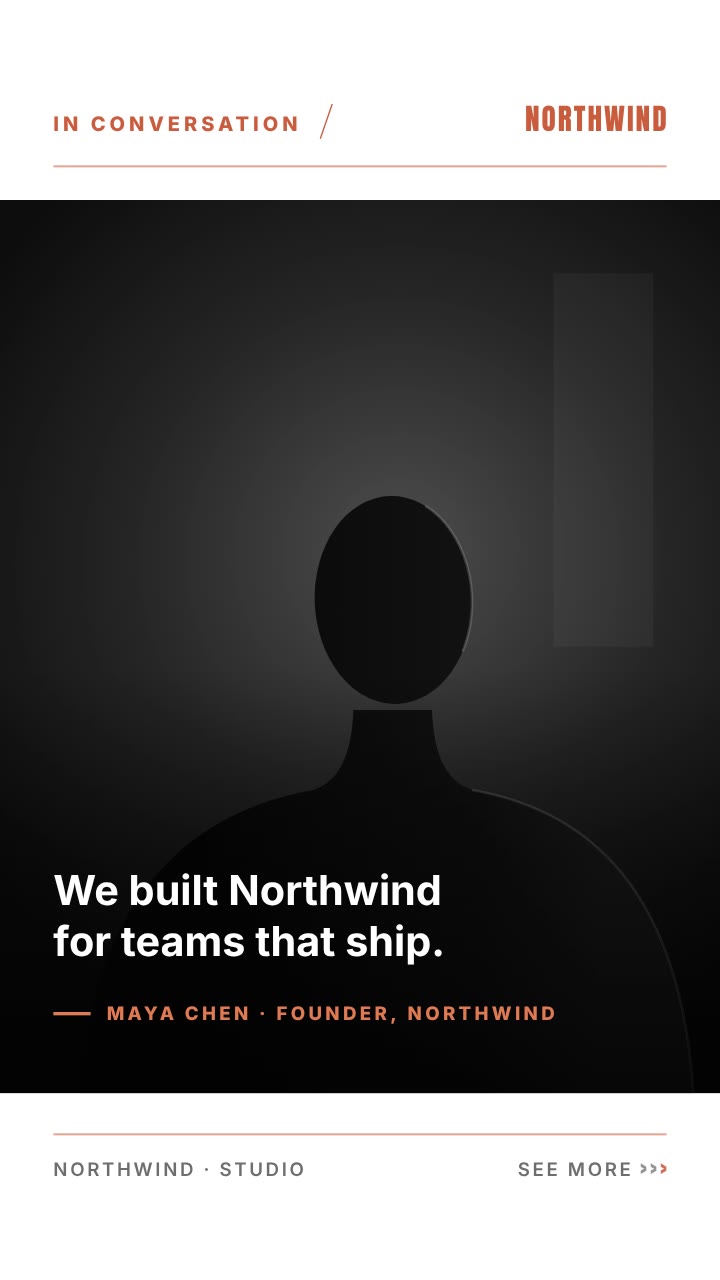
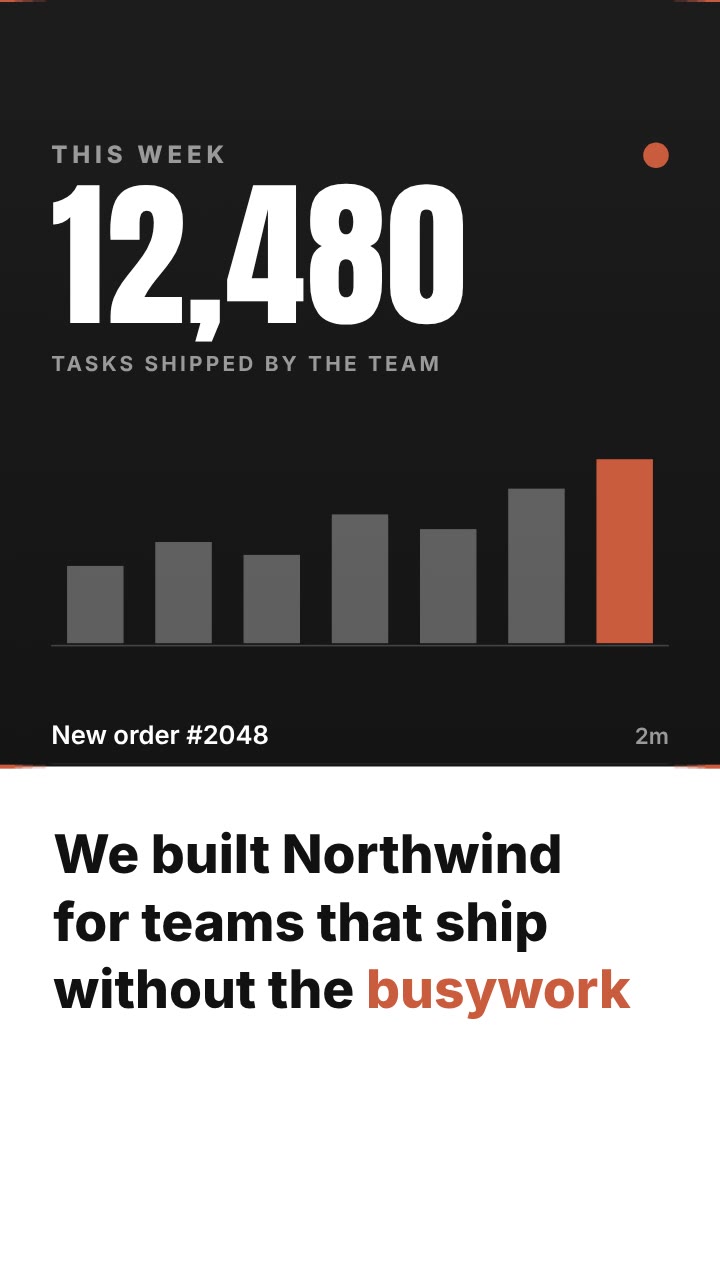
Add the template
Run this in your Mografy folder. The template, the shared modules and its fonts are copied into the project; files you changed are kept. A folder that is not a project yet becomes one, with a scene that plays the template.
Terminal
npx mografy add caption-stack projects/my-filmTo watch it on its own, point the project's scene to the template: "scene": "scenes/templates/caption-stack.ts"
Use it in a film
Play the template on your film's timeline and override its parameters. Pass backdrop: false to draw an overlay template over your own picture.
scenes/main.ts
import * as captionStack from './templates/caption-stack.js'
import { play } from './templates/kit.js'

// inside renderFrame(ctx, time): play it from 2 s, with your own copy
play(ctx, time, 2, captionStack, { text: "PLAN\nLESS.\nSHIP\nMORE." })
Or describe the film to Claude or Codex: the Mografy Skill knows every template and picks the ones that fit.
For your agent A slogan of 2–5 very short lines (1 word each, up to ~6 letters), one per "\n". Put assets/stack.jpg in the project for the picture strip; with backdrop false the stack sits on a white panel.
Prompt for Claude or Codex
Add the Stacked caption template (caption-stack) to my Mografy project and swap in my own lines, header left, header right, footer brand. Keep its timing, then show me a preview.
Parameters
- textstringPLAN ⏎ LESS. ⏎ SHIP ⏎ MORE.
- kickerstringTeam notes
- labelstringNorthwind
- brandstringNorthwind · Studio
- themeenum · light | darklight
- accentcolor#D4643A
- safeGuidebooleanfalse
Timing and layout live in the template file itself: edit them there, then check and review the frames.