Add the template
Run this in your Mografy folder. The template, the shared modules and its fonts are copied into the project; files you changed are kept. A folder that is not a project yet becomes one, with a scene that plays the template.
Terminal
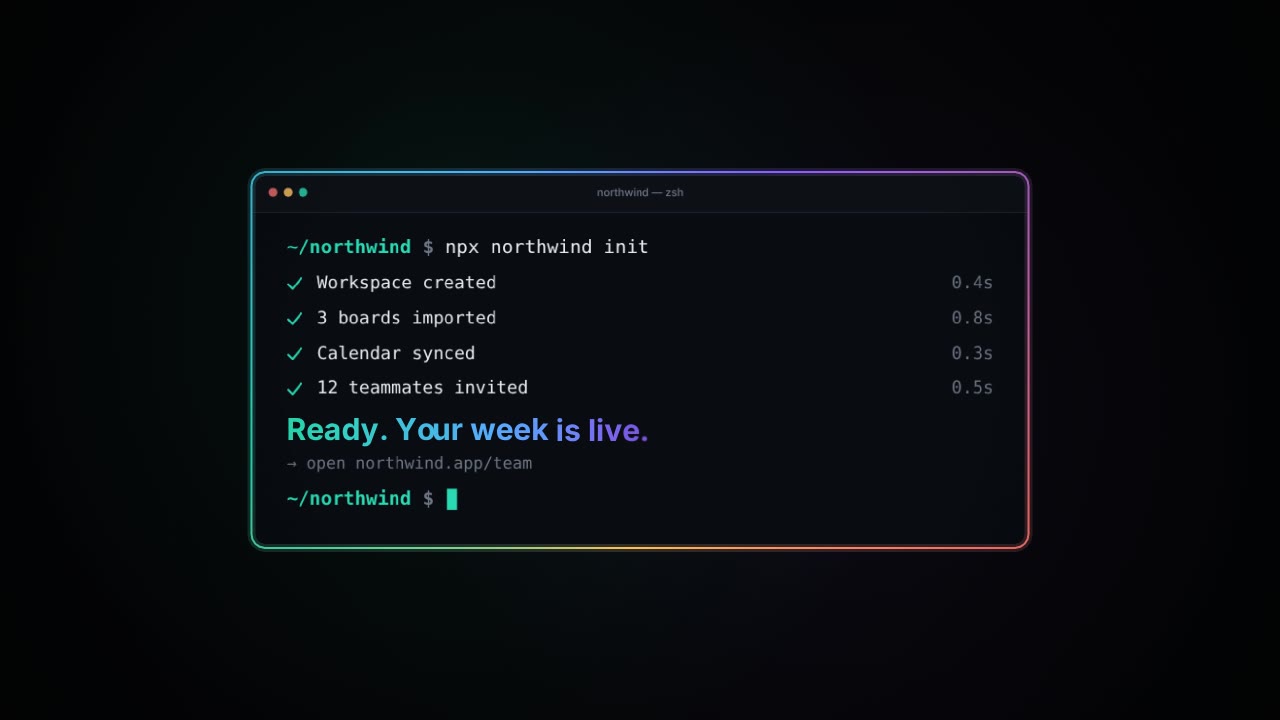
npx mografy add laptop-frame-wide projects/my-filmTo watch it on its own, point the project's scene to the template: "scene": "scenes/templates/laptop-frame-wide.ts"
Use it in a film
Play the template on your film's timeline and override its parameters. Pass backdrop: false to draw an overlay template over your own picture.
scenes/main.ts
import * as laptopFrameWide from './templates/laptop-frame-wide.js'
import { play } from './templates/kit.js'

// inside renderFrame(ctx, time): play it from 2 s, with your own copy
play(ctx, time, 2, laptopFrameWide, { title: "Your week, in one view" })
Or describe the film to Claude or Codex: the Mografy Skill knows every template and picks the ones that fit.
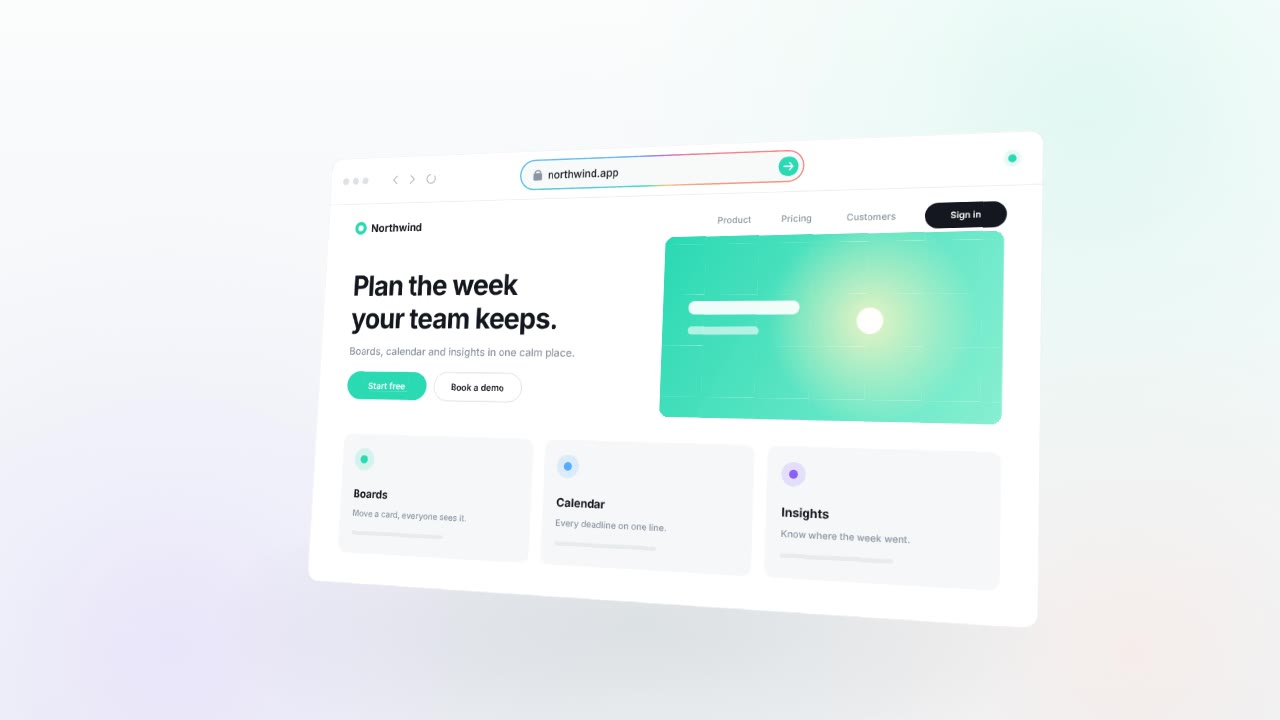
For your agent Show a desktop product in context. Title under ~26 characters; it breaks after a comma, and [bracketed] words (else the last line) take the spectrum. The screen is a stand-in: redraw `screen()` or draw a 1400 × 860 screenshot into it.
Prompt for Claude or Codex
Add the Laptop template (laptop-frame-wide) to my Mografy project and swap in my own title. Keep its timing, then show me a preview.
Parameters
- titlestringYour week, in one view
- themeenum · night | light | neonnight
- safeGuidebooleanfalse
Timing and layout live in the template file itself: edit them there, then check and review the frames.